
Video Ad Production at Scale: AI Tools, Templates, and Testing Frameworks for 2026
A practical guide to scaling video ad production: AI generation tools that actually work, template systems for rapid iteration, platform-specific format requirements, and how to build a testing flywheel that improves performance with every batch.
Video ad production at scale: the teams winning in 2026 aren't the ones with the biggest creative teams — they're the ones with the best production systems.
Why Most Video Ad Production Doesn't Scale
The typical video ad production workflow is broken: brief → storyboard → shoot → edit → revisions → export → resize per platform. One video takes 1-2 weeks and costs $500-2000. Multiply by 3 platforms and you're looking at $5K+ and a month of calendar time for a single creative concept.
The result: teams test 2-3 video variations per month when they need 10-15 to find what works. Creative fatigue sets in before you've found the winning variation.
This article covers the production system that high-volume performance teams use: AI-assisted generation, template-driven iteration, platform-native format optimization, and a testing flywheel that systematically improves performance.
The Production Stack: What Actually Works in 2026
The AI video tools market is crowded, but only a few tools are production-ready for performance ads:
Tier 1: AI Video Generation (Net-New Creative)
| Tool | Best for | Output quality | Cost per video | Production-readiness |
|---|---|---|---|---|
| Runway Gen-4 | Concept videos, lifestyle scenes | High (near-production) | $1-5 per generation | Ready — used by major DTC brands |
| Pika 2.0 | Short-form social ads, quick iterations | Medium-high | $0.50-2 per generation | Ready — best for volume |
| Sora (OpenAI) | Complex scenes, product demos | High but inconsistent | Credit-based | Improving — occasional physics glitches |
| HeyGen / Synthesia | Talking head / UGC-style ads | Medium (uncanny valley risk) | $2-10 per video | Ready for specific formats |
Tier 2: AI-Assisted Editing & Repurposing
| Tool | Use case | Why it matters |
|---|---|---|
| Opus Clip | Long-form → short clips | Turn a 10-min product review into 5+ ad-ready shorts |
| Descript | Text-based video editing | Edit video by editing transcript — 10x faster than timeline editing |
| Captions | AI captions + eye-tracking heatmaps | Captions in the high-retention zone boost watch time 40%+ |
| Frame.io | Collaborative review | Cut revision cycles from days to hours |
Tier 3: Template & Batch Systems
| Tool | Use case | Why it matters |
|---|---|---|
| Canva / Creatopy | Template-driven batch production | One template → 20 platform-specific variants in 30 minutes |
| Bannerbear API | Automated video generation from data | Auto-generate product-specific video ads from your product feed |
| Plain FFmpeg scripts | Programmatic trimming, resizing, caption burn-in | Zero recurring cost, unlimited scale |
The Template System: One Concept → 50+ Variants
The core insight behind scaled production is template-driven iteration. A single creative concept can generate 50+ testable variants by systematically varying:
Hook layer (swap independently):
- Question hook ("Tired of X?")
- Pattern interrupt hook (unexpected visual + text)
- Social proof hook ("50,000+ teams use...")
- Problem agitation hook (visualize the pain point)
Body layer (swap independently):
- Feature demo (screen recording / product in use)
- UGC-style testimonial (real user or AI-generated)
- Before/after comparison (split screen)
- Data/stat overlay (animated text on footage)
CTA layer (swap independently):
- Direct CTA ("Download free →")
- Urgency CTA ("Limited time →")
- Social proof CTA ("Join 50K+ →")
- Curiosity CTA ("See how it works →")
Format layer (platform-specific):
- 9:16 (TikTok, Reels, Shorts)
- 1:1 (Meta feed)
- 16:9 (YouTube pre-roll)
- 4:5 (Meta feed alt)
3 hook types × 4 body types × 4 CTA types = 48 variants from one concept. Not all will work, but you only need 2-3 winners to justify the batch.
Platform-Specific Video Specs (2026)
Getting the format right before testing creative content prevents wasted spend on videos that auto-crop poorly or get rejected:
| Spec | Meta (Reels + Feed) | TikTok | YouTube Shorts | YouTube Pre-Roll |
|---|---|---|---|---|
| Aspect ratio | 9:16 (Reels), 1:1 or 4:5 (Feed) | 9:16 | 9:16 | 16:9 |
| Max length | 60s (Reels), 2min (Feed) | 60s (organic), 3min (ads) | 60s | 15-30s (skippable after 5s) |
| Resolution | 1080×1920 (Reels) | 1080×1920 | 1080×1920 | 1920×1080 |
| Safe zone | Top/bottom 150px for text | Top/bottom 150px | Top/bottom 150px | Center 80% |
| Caption requirement | Recommended (85% watch without sound) | Required for performance | Highly recommended | Closed captions |
Production rule: Export at the highest resolution (4K if available), then batch-resize for each platform. Uploading a 16:9 to TikTok and letting it auto-crop is the fastest way to waste ad budget.
The Testing Flywheel: Systematic Improvement
The goal isn't just producing more videos — it's each batch being better than the last. Here's the flywheel:
Batch 1 (Launch): Produce 20-30 variants from 2-3 creative concepts. Run for 5-7 days at $50-100/day per variant.
Analyze Batch 1: Identify winning patterns:
- Which hook type had the highest 3-second view rate?
- Which body format had the highest CTR?
- Which CTA drove the lowest CPA?
Batch 2 (Amplify): Produce 20 variants iterating on the winning patterns. Double budget on top performers from Batch 1.
Batch 3 (Explore): Mix proven patterns (70%) with new concept tests (30%). This prevents creative fatigue while maintaining baseline performance.
Monthly review: Which concepts from 2-3 months ago are still performing? Retire anything below target CPA for 2+ consecutive weeks.
This flywheel typically produces a 15-30% CPA improvement over 3-4 cycles as the system learns what works for your specific audience.
When to Use AI vs Human Creators
AI video generation is not a binary choice. The optimal split depends on the ad format:
| Ad format | AI-first? | Reason |
|---|---|---|
| UGC-style testimonials | Start with AI, validate with human | AI talking-head tools are good enough for initial testing; use real creators for winners |
| Product demos | Human-first | AI product demos still look synthetic — screen recordings are cheap and authentic |
| Motion graphics / text-heavy | AI-first | Template tools + AI captions outperform manual editing on speed and consistency |
| Lifestyle / aspirational | AI for concepts, human for winners | AI concept videos test the angle cheaply; human-produced versions scale the winner |
| Before/after transformations | Human-first | Authenticity matters — AI before/after risks trust damage |
Cost comparison (per video):
- Full human production: $500-2000
- AI-generated: $2-10
- Hybrid (AI concept → human polish): $100-300
The hybrid model wins for most teams: AI tests 10 angles for $50 total, the top 2 get human polish for $300 each, and the single winner gets full production for $1000.
FAQ
How many video variants should I test per month?
Minimum 10-15 per platform. Below 10 and you're not generating enough signal to identify patterns. The teams winning at creative testing run 30-50 variants per month across platforms.
Which AI video tool should I start with?
For Meta/TikTok ads: start with Pika or Runway for net-new generation, CapCut or Canva for template-based iteration. Skip the enterprise tools until your monthly video ad spend exceeds $50K.
Do AI-generated video ads actually convert?
Yes, but format matters more than generation method. An AI-generated video with a strong hook and clear CTA will outperform a human-produced video with weak creative fundamentals. The tool matters less than the creative structure.
How do I know which videos competitors are running?
Meta Ad Library, TikTok Top Ads, and Google Ads Transparency Center show active video ads. AdMapix adds the competitive intelligence layer: track competitor creative refresh patterns, identify when competitors shift from image to video-heavy strategies, and surface the video formats your competitors are using before they show up in platform reporting. See reports.
How often should I refresh video creatives?
New hooks weekly (cheapest change, highest impact on 3-second view rate). New bodies bi-weekly. Full concept refresh every 4-6 weeks or when CPA rises 20%+ above baseline.
Bottom Line
Video ad production at scale isn't about hiring more editors or buying more tools. It's about building a production system where templates, AI tools, and a testing flywheel work together.
One concept → 50 variants. Test cheap, scale winners, refresh hooks constantly. The creative team that tests the most intelligently wins — not the one that produces the most beautifully.
Turn these observations into your next creative study
Open the creative library and select samples for your market, network and research question.
Related Articles
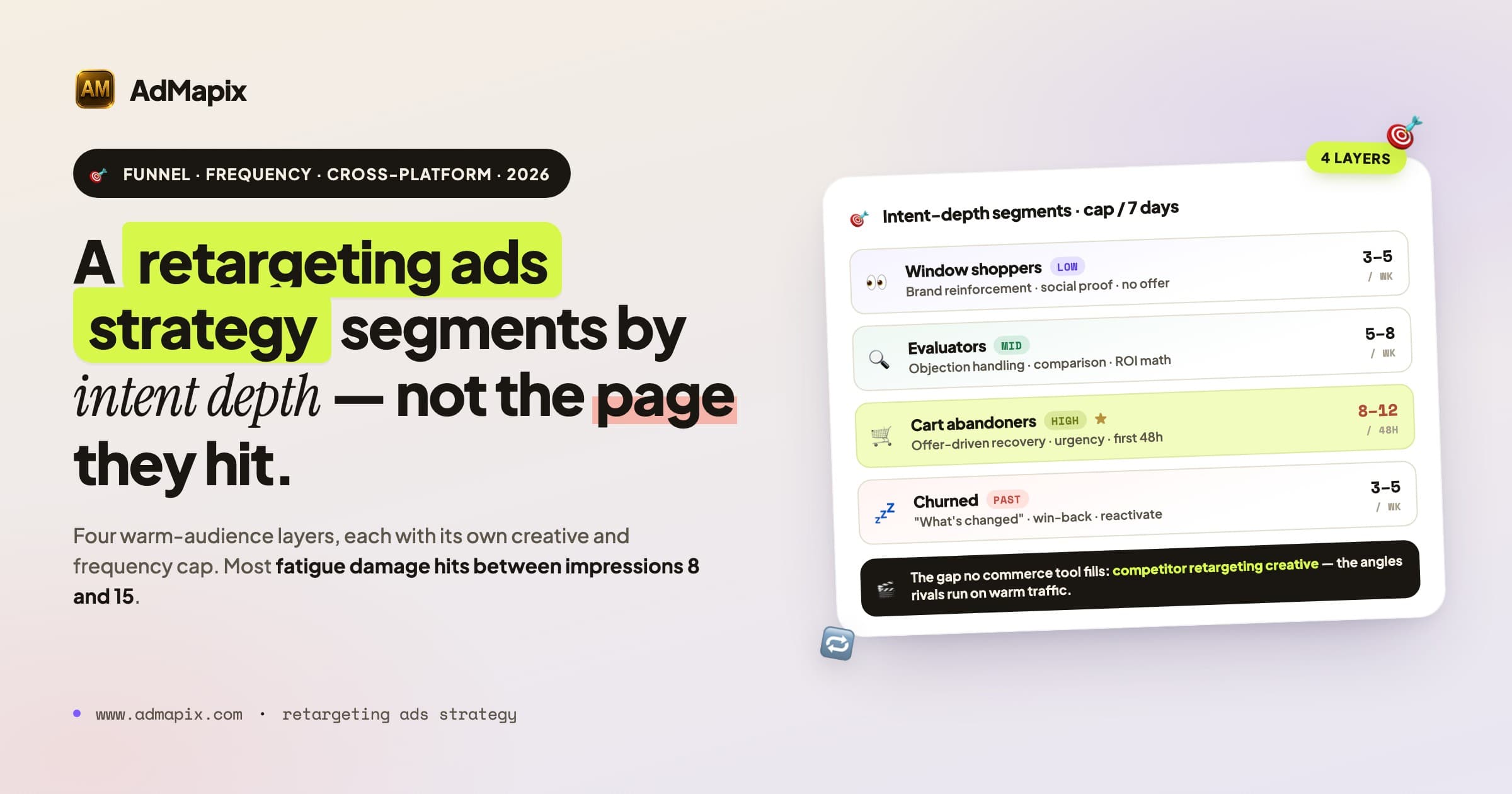
Retargeting Ads Strategy 2026: Segmentation, Frequency, Sequencing & Competitor Intel
A complete 2026 retargeting ads strategy — intent-depth segmentation, frequency and fatigue control, cross-platform sequencing across Meta, Google, and TikTok, creative ladders, post-signal-loss measurement, and how to reverse-engineer competitor retargeting angles from public ad intelligence.
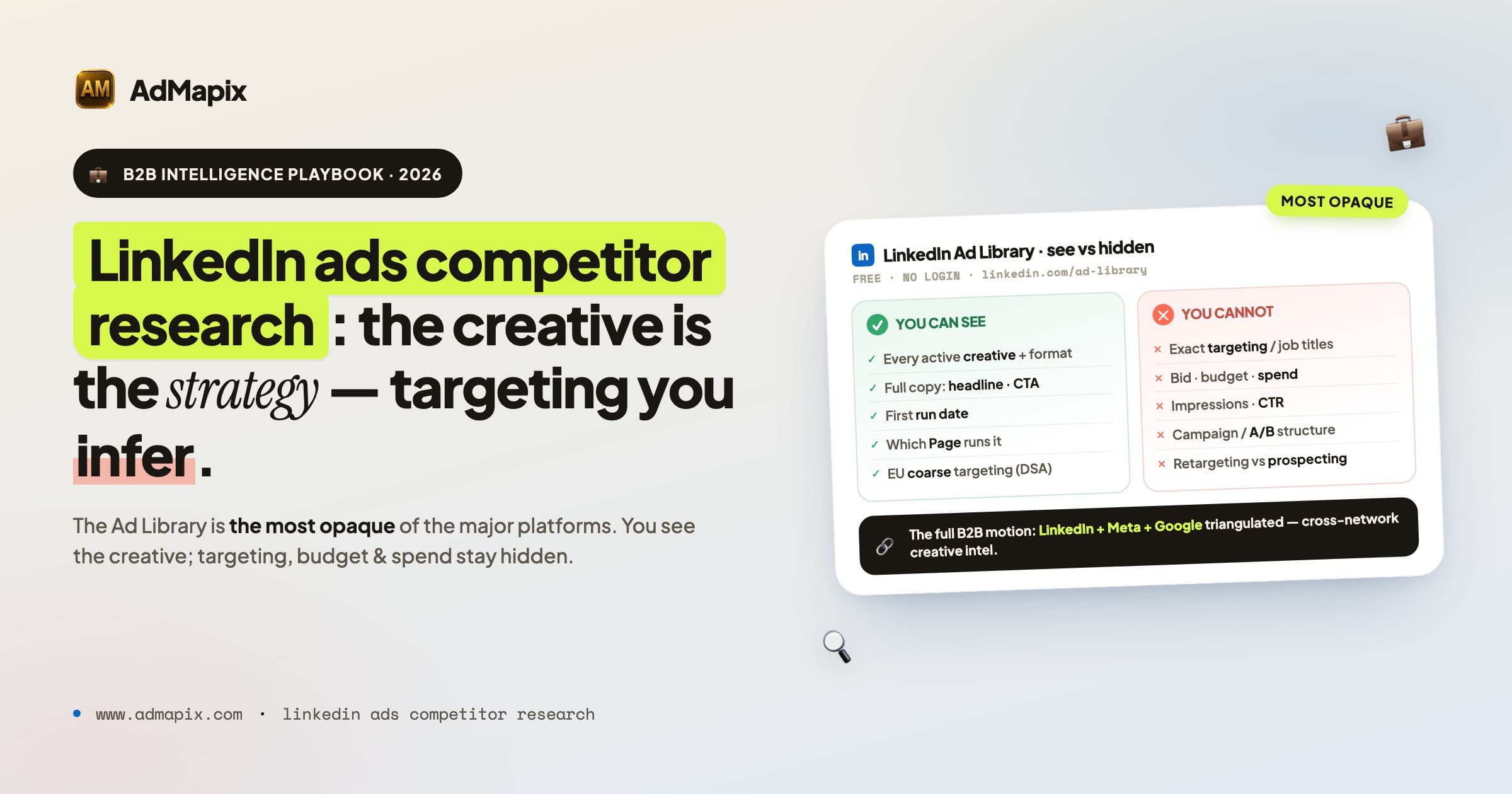
LinkedIn Ads Competitor Research in 2026: The Complete B2B Intelligence Playbook
A complete 2026 system for LinkedIn Ads competitor research — how to use the LinkedIn Ad Library, what you can and can't see, how to infer B2B targeting from public signals, how to teardown rival creative and messaging, an ABM-driven monitoring workflow, and a cross-network method that pairs LinkedIn with Meta and Google so your B2B competitive intelligence is full-funnel, not single-channel.
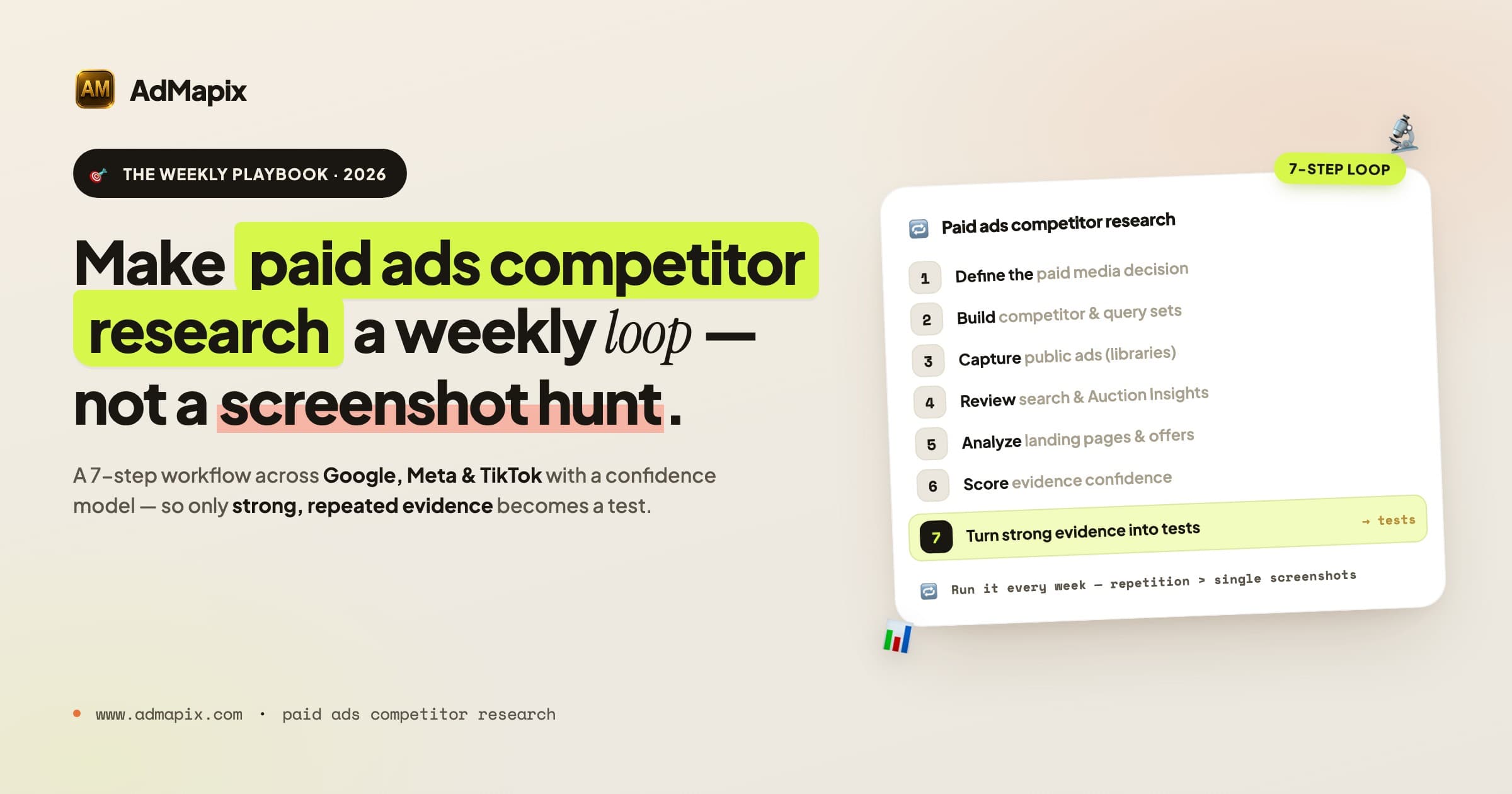
Paid Ads Competitor Research in 2026: The Complete Competitive Analysis Playbook
A 7,000-word 2026 playbook for paid ads competitor research and competitive analysis: ad libraries, SERP and Auction Insights, landing pages, confidence scoring, channel-by-channel SOPs, metrics, and a weekly operating system.